We’ve added a new video to our “Exporting Terrains for Road Simulation Tools” YouTube playlist, this time focusing on Cadence’s Virtual Test Drive (VTD).
In this step-by-step tutorial, we show how to prepare a 3D environment created with Trian3DBuilder for use with VTD, covering the main steps from terrain export to key VTD configuration settings.
You’ll learn how to:
- Export terrain from Trian3DBuilder in OSGB format
- Prepare your 3D environment for high-fidelity simulation
- Configure HDR rendering in VTD
- Set up switchable models
- Get your Trian3DBuilder terrain ready for use in a VTD simulation workflow
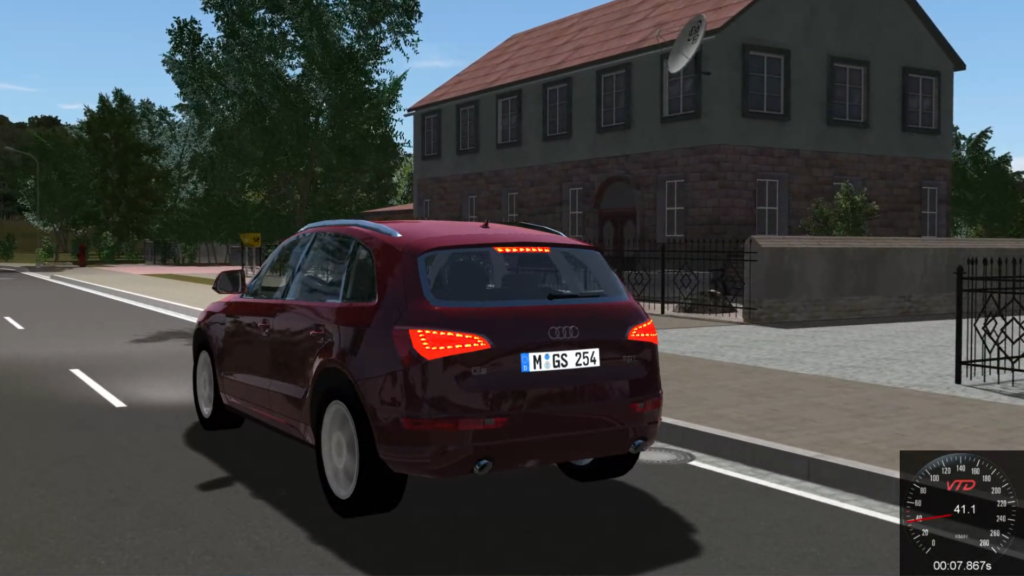
This new tutorial is part of our “Exporting Terrains for Road Simulation Tools” playlist, where we share practical guides for exporting Trian3DBuilder terrains to different road simulation and virtual testing platforms.
The playlist currently includes workflows for tools such as IPG Automotive CarMaker, Vector DYNA4 / DYNAanimation, dSPACE AURELION, and Cadence VTD, with more tutorials to come.
🎬 Watch the full playlist on YouTube:
Exporting Terrains for Road Simulation Tools – YouTube Playlist
Explore the playlist to learn how Trian3DBuilder can be integrated into different simulation workflows and discover the export options available for your target platform.